Creating compelling AI-generated images is less about magic and more about mastery. The secret lies in crafting precise and powerful text to image prompts that guide the AI to your exact vision. Whether you're a marketer designing a campaign, a game developer building a new world, or a content creator looking for the perfect thumbnail, the quality of your input directly dictates the quality of your output.
This guide moves beyond basic commands to provide actionable templates, expert tips, and clear examples across 10 essential creative and commercial categories. You will learn the nuanced structures required to generate professional-grade visuals, helping you harness the full potential of your chosen platform.
To begin your exploration into text-to-image generation, it's essential to understand the landscape of available platforms, including the top AI image generator tools that can bring your concepts to life. By mastering the art of the prompt, you can transform your specific ideas into stunning, high-quality images with efficiency and consistency, no matter which tool you use. Dive in to discover the prompts that will elevate your creative and professional projects from a simple concept to a polished masterpiece.
1. Character Design & Portrait Prompts
Specialized text to image prompts for character design are invaluable for bringing fictional personalities to life with precision and flair. These prompts go beyond simple descriptions, allowing creators to define specific physical attributes, clothing, expressions, and even personality traits. They are essential tools for concept artists, game developers, authors, and marketers who require consistent and detailed character visualizations. By carefully crafting these prompts, you can generate everything from a stoic sci-fi warrior to a whimsical fantasy creature.
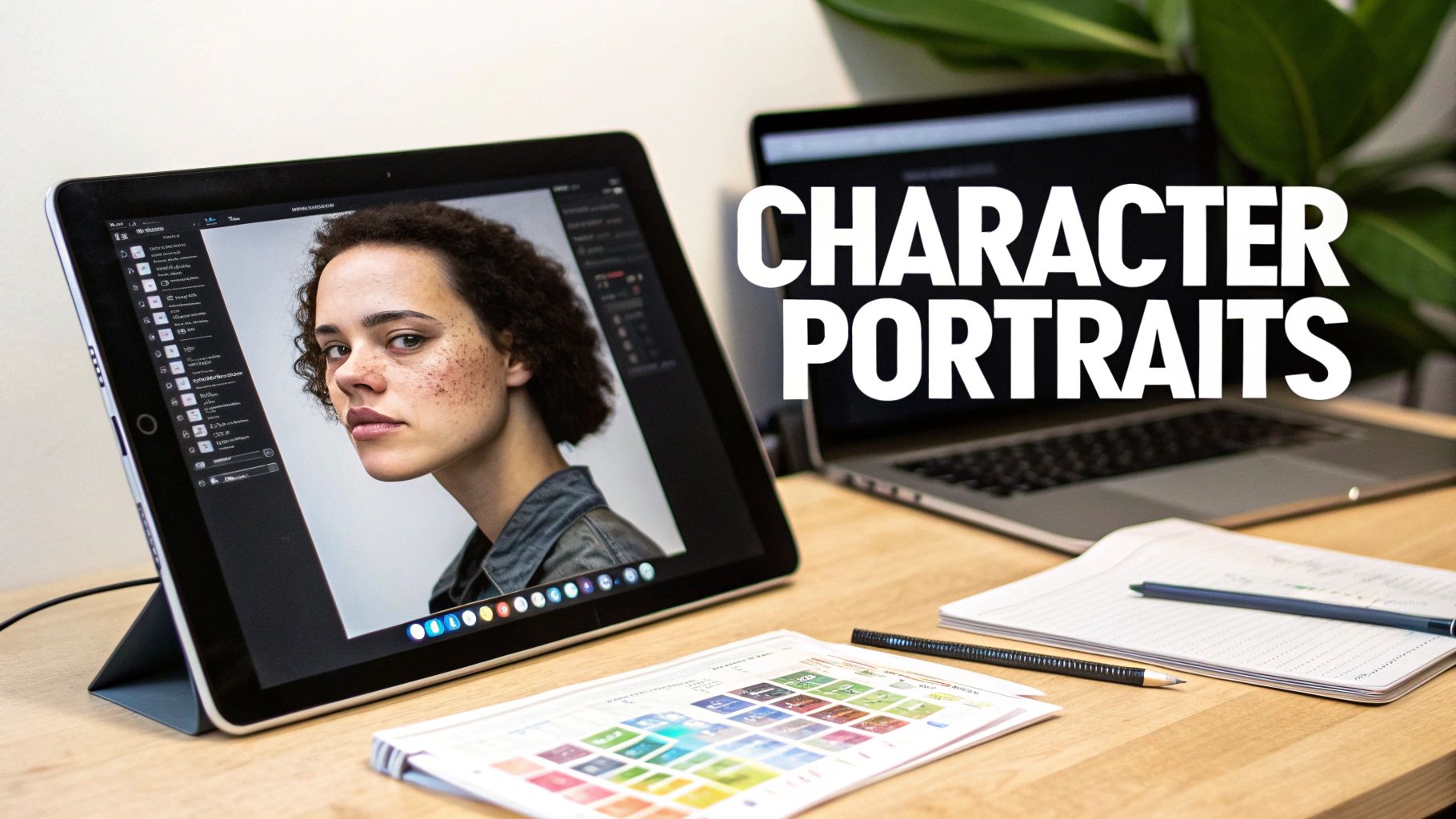
This focused approach is perfect for projects requiring a strong visual identity, such as developing characters for an indie game, visualizing a Dungeons & Dragons party, or creating a mascot for a brand. These prompts ensure visual consistency and help establish a character's role and backstory through their appearance alone. For a streamlined experience, you can explore the dedicated features of an AI character generator to simplify the process.
Implementation Tips
- Specify Art Style: Clearly define the desired aesthetic. Use terms like
anime style,photorealistic portrait,cel-shaded, oroil paintingto guide the AI. - Layer the Details: Build your character from the ground up. Start with core features (
young female elf, long silver hair, piercing blue eyes) and add layers of detail like clothing (wearing ornate leather armor with glowing runes) and mood (pensive expression, soft ambient lighting). - Use Negative Prompts: Refine your output by specifying what to avoid. Adding
--no blurry background, poorly drawn handscan significantly improve the final image quality.
2. Environment & Landscape Prompts
Expertly crafted text to image prompts for environments are fundamental for building immersive worlds and atmospheric scenes. These prompts enable creators to generate detailed landscapes, intricate architectural spaces, and vibrant cityscapes with specific mood and lighting. They are indispensable for concept artists, game designers, filmmakers, and architects who need to visualize settings that tell a story. By precisely defining elements like weather, time of day, and geological features, you can produce anything from a serene, sun-drenched meadow to a dystopian, neon-lit metropolis.
This focused approach is ideal for projects that depend on strong environmental storytelling, such as creating background plates for a film, designing levels for a video game, or visualizing architectural concepts. These prompts establish the tone and context for any narrative, making the setting a character in its own right. For creators looking to generate compelling backdrops quickly, using a dedicated AI background generator can greatly accelerate the creative workflow.
Implementation Tips
- Define Lighting and Atmosphere: Be specific about the quality of light. Use terms like
golden hour sunlight,ominous storm clouds,soft morning mist, orharsh overhead lightingto set a powerful mood. - Layer Compositional Elements: Structure your scene with a foreground, midground, and background. For example,
massive gnarled oak tree in the foreground, rolling green hills in the midground, and distant snow-capped mountains under a dramatic sky. - Reference Art Movements: Guide the AI's aesthetic by citing specific art styles. Phrases like
in the style of the Hudson River School,impressionistic, orcontemporary digital matte paintingcan produce highly stylized results.
3. Product & Commercial Photography Prompts
Specialized text to image prompts for commercial use are transforming how businesses create product visuals. These prompts enable the generation of high-quality, studio-grade images without the need for physical photoshoots, saving time and resources. Creators can specify precise lighting, composition, material textures, and marketing-friendly angles to produce everything from clean e-commerce listings to dynamic lifestyle advertisements. This capability is invaluable for digital marketers, product designers, and e-commerce entrepreneurs needing compelling and consistent brand imagery.
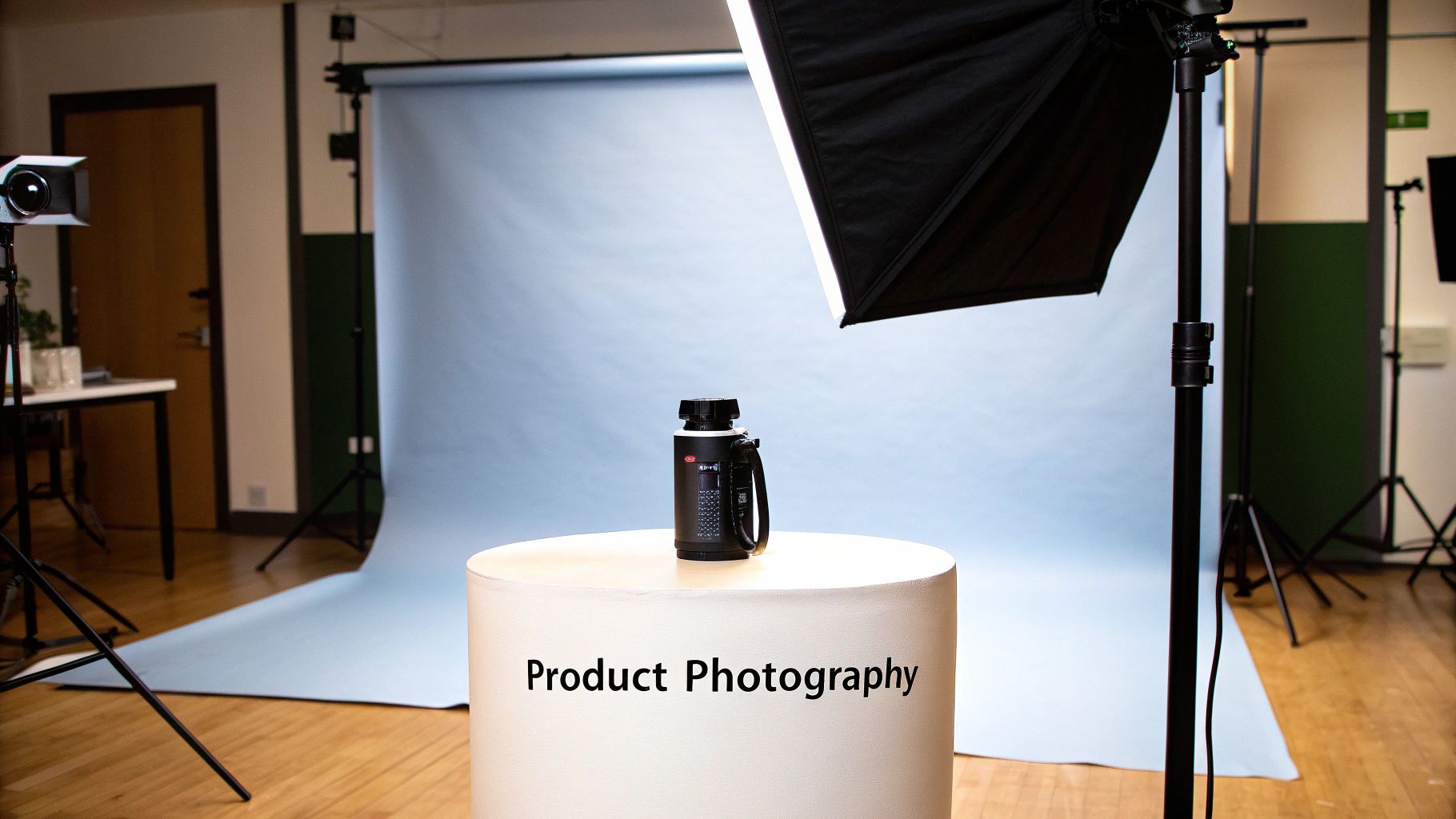
This approach is perfect for generating visuals for Amazon or Shopify stores, creating lookbooks for fashion brands, or developing marketing renders for new tech gadgets. The detailed control offered by these prompts ensures that the final images meet professional standards and align with brand guidelines. For e-commerce businesses, leveraging AI to create stunning product visuals can significantly streamline the photography process. You can explore tools like an AI Product Photo Generator to see how text prompts are translated into commercial images.
Implementation Tips
- Specify Lighting Setups: Be precise about the lighting environment. Use terms like
softbox lighting,ring light,dramatic backlighting, ornatural window lightto control the mood and highlights. - Define Material Properties: Clearly describe the product's surface texture. Include keywords like
matte black finish,glossy plastic,brushed aluminum,transparent glass, orpolished woodfor realistic results. - Control the Background: Set the stage for your product. You can request a
clean white studio background, alifestyle context on a marble countertop, or aminimalist background with a soft blurto focus attention. - Add Scale and Context: To show proportion, you can include contextual elements. Phrases like
next to a coffee mugorheld in a handcan provide a clear sense of the product's actual size.
4. Fantasy & Game Asset Prompts
Specialized text to image prompts for fantasy and game assets are a game-changer for developers and world-builders. These prompts are crafted to generate specific items, creatures, environments, and magical effects that fit seamlessly into a larger creative vision. They enable rapid prototyping and the creation of production-quality visuals, from a legendary sword imbued with fire to a monstrous beast guarding an ancient ruin. This makes them indispensable for indie game studios, Dungeon Masters, and fantasy illustrators.
This focused approach is perfect for populating an entire game world, illustrating a Dungeons & Dragons module, or designing unique cards for a trading card game. By using precise prompts, creators can ensure visual consistency across all assets, from the smallest potion bottle to the most epic boss character. You can find out more about leveraging AI images for game development to accelerate your creative workflow.
Implementation Tips
- Specify Rarity & Power: Add context by including terms like
common leather boots,rare enchanted amulet, orlegendary dragon boss. This guides the AI to create designs with appropriate levels of detail and visual impact. - Blend Creature Concepts: Create truly unique monsters by combining familiar ideas. Try prompts like
a bipedal wolf-like creature with insectoid wings and bioluminescent furto spark imaginative and original designs. - Use 'Concept Art' Styles: To achieve a professional, game-ready look, include directives like
concept art,isometric game asset,UI icon design, orsplash screen art. This ensures the output is stylized for development pipelines.
5. Social Media & Content Creator Prompts
Purpose-built text to image prompts are a game-changer for content creators and social media managers who need a constant stream of high-quality visuals. These prompts are specifically engineered to generate engaging social media graphics, thumbnails, and banners optimized for platforms like YouTube, Instagram, and TikTok. They prioritize eye-catching compositions, high-contrast colors, and strategic use of negative space for text overlays, ensuring content stands out in a crowded feed.
This approach is essential for anyone looking to build a strong, cohesive online brand presence. You can quickly generate a YouTube thumbnail that grabs attention, an inspiring quote graphic for an Instagram post, or a professional banner for a LinkedIn article. These prompts allow creators to maintain a consistent aesthetic across all channels while dramatically reducing the time and cost associated with traditional graphic design.
Implementation Tips
- Specify Platform and Dimensions: Guide the AI by including the intended platform and format, such as
YouTube thumbnail, 16:9 aspect ratioorInstagram story background, 1080x1920. - Leave Space for Text: Intentionally create room for headlines and logos. Use phrases like
minimalist design with large copy space on the rightto ensure your final graphic is functional. - Focus on High-Contrast Visuals: To stop the scroll, your images need to pop. Use prompts like
vibrant colors, high contrast, dramatic lightingto create visually arresting graphics that are effective on small mobile screens. - Generate Variations for A/B Testing: Create multiple versions of a single concept to see what resonates with your audience. Prompt for different color schemes or compositions (
same scene but with a blue and orange color palette) to optimize engagement.
6. Architectural & Interior Design Prompts
Specialized text to image prompts for architectural and interior design serve as a powerful visualization tool for professionals and enthusiasts alike. These prompts enable the creation of detailed virtual spaces, from residential interiors to grand commercial structures, by specifying styles, materials, lighting, and composition. They are indispensable for architects, interior designers, real estate agents, and homeowners looking to conceptualize, plan, or market a space with high-fidelity visual aids.

This approach is perfect for quickly generating mood boards, visualizing renovation concepts, creating virtual staging for real estate listings, or exploring different design movements without the cost of physical mockups. By using precise prompts, you can rapidly iterate on ideas, communicate a vision to clients, or simply explore the boundaries of spatial design. These text to image prompts streamline the creative process, turning abstract ideas into tangible visual representations.
Implementation Tips
- Define the Style: Be specific with architectural or interior design movements. Use terms like
Scandinavian minimalist kitchen,Brutalist concrete facade, orArt Deco hotel lobbyto set a clear direction. - Specify Materials & Textures: Detail the surfaces to achieve realism. Include phrases like
polished marble countertops,reclaimed oak wood flooring, orbrushed brass fixturesfor a richer output. - Control Lighting and Atmosphere: The lighting dictates the mood. Use descriptors such as
soft morning light streaming through large windows,dramatic uplighting, orwarm, ambient evening glowto create the desired atmosphere. - Set the Scene: Clarify the camera's perspective. Phrases like
wide-angle view of the living room,eye-level shot, orlooking down from a mezzaninewill give you control over the final composition.
7. Scientific & Educational Illustration Prompts
Text to image prompts for scientific and educational illustrations are transformative for educators, researchers, and students, enabling the creation of clear and accurate visuals. These prompts are designed to generate everything from detailed anatomical diagrams to complex physics visualizations, emphasizing clarity and instructional value. They are indispensable for creating content for textbooks, online courses, research papers, and presentations, turning abstract scientific concepts into easily understandable graphics.
This specialized approach is ideal for projects that demand high levels of precision and educational effectiveness. You can generate a cross-section of a plant cell for a biology lesson, visualize the magnetic field lines around a planet for an astrophysics lecture, or create step-by-step instructional diagrams for a chemistry experiment. These prompts ensure that the visuals are not only aesthetically pleasing but also pedagogically sound, aiding comprehension and retention.
Implementation Tips
- Use Precise Terminology: Accuracy is key. Use specific scientific terms like
mitochondria,tectonic plates, ordopamine pathwaysto ensure the AI generates correct representations. - Define the Illustration Style: Specify the desired visual format. Use descriptors like
cross-section diagram,infographic style,textbook illustration, orcolor-coded schematicto guide the output. - Request Labels and Clarity: For complex subjects, ask for clear delineations. Include phrases like
with clear labels for each part,simplified for elementary students, orannotated diagramto improve the educational utility of the image.
8. Movie & Film Concept Art Prompts
Prompts for movie and film concept art are designed to translate cinematic vision into tangible visuals, serving as a crucial bridge between script and screen. These advanced text to image prompts enable creators to generate storyboard frames, mood boards, and detailed production art that captures the essence of a scene. They are indispensable for filmmakers, production designers, and VFX artists who need to visualize worlds, characters, and key narrative moments with professional-grade detail. By incorporating cinematography principles, these prompts produce images that feel like they were pulled directly from a finished film.
This method is perfect for pre-production, helping teams align on a film's visual language before a single frame is shot. It can be used to create compelling pitch decks for screenwriters, develop world-building visuals for science fiction epics, or storyboard a tense horror sequence. The ability to rapidly generate high-fidelity concepts allows for greater creative exploration and ensures the final product is visually cohesive and emotionally impactful.
Implementation Tips
- Reference Cinematographers: Define a specific visual style by referencing the work of renowned directors or cinematographers. For example, use
in the style of Denis Villeneuveorcinematography by Roger Deakins. - Use Shot Terminology: Incorporate film language to control the composition. Specify shot types like
wide shot,extreme close-up,over-the-shoulder shot, orDutch angleto guide the AI's framing. - Specify Color Grading: Dictate the mood and tone by describing the color palette. Use terms like
bleach bypass color grading,warm golden hour lighting, orsaturated neon-noir aestheticto achieve a specific look.
9. Fashion & Clothing Design Prompts
Specialized text to image prompts for fashion are transforming the way designers visualize and prototype new collections. These prompts enable the creation of specific garment designs, from individual pieces to entire runway looks, by defining fabric types, silhouettes, and aesthetic themes. They are powerful tools for fashion designers, brands, and trend forecasters who need to generate innovative concepts quickly and effectively. By carefully structuring these prompts, you can visualize everything from a sustainable denim jacket to a couture-level evening gown.
This focused approach is ideal for developing concept collections, forecasting fast-fashion trends, or creating portfolio pieces without the cost of physical samples. These prompts help establish a brand's visual identity and explore creative directions before committing to production. For a more streamlined experience, you can leverage the capabilities of an AI art generator to rapidly iterate on your fashion concepts.
Implementation Tips
- Define Fabric & Texture: Be specific with materials. Use descriptors like
sheer silk organza,distressed heavy-weight denim,intricate lace trim, orliquid chrome leatherto influence the garment's look and feel. - Specify the Silhouette: Clearly describe the garment's shape. Use terms like
A-line silhouette,oversized boxy fit,asymmetrical draping, orarchitectural constructionto guide the AI's interpretation of the form. - Reference Eras & Trends: Anchor your design in a specific style. Including phrases like
Y2K futurism,1970s bohemian aesthetic,minimalist, ormaximalistprovides strong stylistic direction for the final image.
10. Brand & Logo Design Prompts
Specialized text to image prompts for branding are a game-changer for entrepreneurs and designers aiming to build a strong visual identity. These prompts guide the AI to generate logo concepts, brand aesthetics, and marketing materials that align with core business values and target audiences. They are invaluable for startup founders, marketing agencies, and small business owners who need to quickly visualize and iterate on branding ideas without the high initial cost of traditional design processes. By thoughtfully crafting these prompts, you can develop everything from a sleek, minimalist logo for a tech startup to a warm, inviting brand identity for a local café.
This focused approach is ideal for establishing a cohesive brand presence from the ground up, whether you're creating a logo for an e-sports team, developing a visual identity for a non-profit, or exploring concepts for a new product line. These prompts ensure consistency across all brand assets and help communicate your brand's story and emotional appeal visually. For a deeper dive, you can explore our guide on how to create a logo with AI for more advanced techniques.
Implementation Tips
- Define Your Brand Archetype: Guide the AI with a core identity. Use terms like
innovator archetype, sleek and futuristicorcaregiver archetype, warm and trustworthyto set the foundational tone. - Specify Your Target Audience: Include details about your market. A prompt for a youth-focused gaming brand (
vibrant, energetic, neon colors) will differ greatly from one for a luxury brand (elegant, minimalist, gold and black palette). - Request Scalable Versions: Ensure versatility. Add phrases like
flat vector logo, simplified design, scalable iconto generate concepts that work well across different sizes and media, from a website favicon to a large banner. - Use Color Psychology: Be intentional with your palette. Instead of just
blue and white, trycalm and dependable blue, clean and simple whiteto evoke a specific emotional response from viewers.
10 Text-to-Image Prompt Categories Compared
| Prompt Type | Implementation Complexity 🔄 | Resource Requirements ⚡ | Expected Outcomes ⭐📊 | Ideal Use Cases 💡 | Key Advantages ⭐⚡ |
|---|---|---|---|---|---|
| Character Design & Portrait Prompts | Moderate — detailed attribute and pose control; consistency tuning required | Low–Medium — reference images helpful; iterative runs on image model | ⭐ High visual detail for characters; 📊 Good for concept iterations | Concept artists, game devs, tabletop character visualization | ⭐ Consistent variations; ⚡ Fast iteration on traits |
| Environment & Landscape Prompts | Moderate — complex scene composition and lighting directives | Medium — large-context prompts; higher compute for high-res scenes | ⭐ Strong atmosphere and world-building; 📊 Good scene variety | Level design, film backgrounds, worldbuilding | ⭐ Layered scenes; ⚡ Rapid location ideation |
| Product & Commercial Photography Prompts | Moderate — precise lighting/composition specs needed | Medium — studio lighting references; careful material descriptors | ⭐ Professional-looking product renders; 📊 Useful for A/B testing | E‑commerce, catalogs, marketing assets | ⭐ Consistent studio-style images; ⚡ Reduces shoot costs |
| Fantasy & Game Asset Prompts | Moderate — creative freedom plus game-ready constraints | Low–Medium — lore references and iterative refinements | ⭐ Unique creature/asset concepts; 📊 Good for early asset pipelines | Indie RPGs, card games, D&D modules | ⭐ Rapid unique designs; ⚡ Streamlines asset ideation |
| Social Media & Content Creator Prompts | Low — format-focused, platform-specific constraints | Low — aspect ratios and quick iterations; minimal compute | ⭐ Platform-optimized visuals; 📊 High volume content generation | Thumbnails, banners, social posts, A/B testing | ⭐ Fast content scale; ⚡ Consistent brand aesthetic |
| Architectural & Interior Design Prompts | High — spatial accuracy and material realism challenging | Medium–High — detailed style/material refs; higher-res renders | ⭐ Conceptual visualizations; 📊 Good for client presentations | Renovations, real estate staging, interior concepts | ⭐ Rapid design exploration; ⚡ Cost-effective pre-visualization |
| Scientific & Educational Illustration Prompts | High — accuracy and annotation requirements demand precision | Medium — domain references and expert review often needed | ⭐ Clear explanatory visuals; 📊 Useful for teaching materials | Textbooks, medical diagrams, educational infographics | ⭐ Fast production of diagrams; 💡 Customizable for audience level |
| Movie & Film Concept Art Prompts | High — cinematic composition and sequential consistency needed | Medium–High — cinematography refs, multiple frame generations | ⭐ Cinematic mood boards; 📊 Good for pre‑production visualization | Storyboards, pitch decks, production concept art | ⭐ Accelerates visual development; ⚡ Cost-effective exploration |
| Fashion & Clothing Design Prompts | Moderate — silhouette and fabric realism are challenging | Medium — fabric refs, styling details, human form considerations | ⭐ Strong ideation for collections; 📊 Useful for trend exploration | Designer portfolios, runway mockups, prototyping | ⭐ Rapid prototyping of looks; ⚡ Reduces early sample costs |
| Brand & Logo Design Prompts | Low–Moderate — conceptual clarity needed; uniqueness hard to guarantee | Low — brand brief and style guides; iterations for refinement | ⭐ Quick logo concepts; 📊 Good for early-stage branding exploration | Startups, small businesses, pitch identities | ⭐ Fast concept generation; ⚡ Cost-effective ideation |
Which Model to Use for These Prompts (October 2026)
The templates above are plain-language prompts, so they work with current natural-language image models. Models still differ in what they do best, so match the model to the category. The costs below are browser prices in AI Media Studio, checked in October 2026:
| Prompt category | Model to try first | Why | Credits per image |
|---|---|---|---|
| Character, environment, fantasy, film concept art | Nano Banana 2.1 | Fast default for everyday images; 2K and 4K available | 8 at 1K |
| Product and commercial photography, interiors | Nano Banana Pro | Most realistic new images | 30 |
| Brand, logo, social graphics with text | GPT Image 2.5 | Fine detail, logos and text | 11 |
| Quick drafts and edits of an existing photo | Muse Image | Cheapest; keeps your photo intact when editing | 2 |
Two practical notes. First, these models read full sentences: the aspect ratio is set in the interface rather than with Midjourney-style flags such as --ar. Second, if you already have a photo, editing it with a short "change" line and a "keep" line is often faster than generating from scratch. See the AI model price list and the same-prompt model comparison for details.
Start Creating: Put Your Prompting Knowledge into Practice
You have now journeyed through a comprehensive arsenal of creative tools, exploring a diverse collection of powerful text to image prompts. We have dissected the anatomy of a great prompt, from crafting detailed character portraits and sweeping landscapes to generating precise product mockups and conceptual brand assets. This guide was designed not just as a list, but as a launchpad for your creative endeavors.
The true takeaway is that prompting is a skill, a dialogue between your vision and the AI's interpretation. The templates and modifiers provided are your vocabulary, but the stories you tell with them are uniquely yours. The difference between a generic image and a visual masterpiece often lies in the specificity of a single word or the strategic layering of descriptive details.
Key Principles for Effective Prompting
Remember the core concepts that unlock consistently stunning results:
- Specificity is Power: Vague requests yield vague outcomes. Always strive to add detail, whether it's specifying the camera lens, the lighting conditions, the artistic medium, or the emotional tone.
- Structure and Sequence Matter: The order of your words influences their weight. Lead with your primary subject, follow with key details and actions, and then layer in style, composition, and technical parameters.
- Iterate and Refine: Your first prompt is rarely your last. View each generation as a draft. Use techniques like negative prompting and image-to-image to fine-tune your output, treating the process as an iterative cycle of refinement.
Your Path to Prompt Mastery
Mastering the art of writing effective text to image prompts is more than a technical exercise; it's a strategic advantage in a visually driven world. For marketers, it means creating bespoke campaign assets on demand. For designers, it accelerates ideation and prototyping. For content creators, it provides an endless wellspring of unique visuals to captivate audiences.
The prompts in this article, from architectural visualizations to fantasy game assets, are your starting blocks. The next step is to make them your own.
Actionable Insight: Choose three prompts from different categories in this article. In your next project, try blending elements from each. For example, combine a "Product Photography" prompt with an "Environment & Landscape" background and a "Movie & Film Concept Art" lighting style. This cross-pollination is where true innovation begins.
The journey from a blank text box to a breathtaking image is one of the most exciting frontiers in modern creativity. The only limit is the scope of your imagination. Embrace experimentation, be fearless in your combinations, and start building your personal library of go-to prompt formulas. Your next viral social media post, compelling brand logo, or stunning piece of digital art is just a few well-chosen words away.
Paid plans for AI Media Studio start at $19/month.
Start on the AI image generator. Already have a photo? Open the AI photo editor. Paid plans for AI Media Studio start at $19/month.